Idun Agent Platform – แพลตฟอร์ม Production Runtime สำหรับ LangGraph/ADK Agent
แพลตฟอร์ม open-source ที่ช่วยแปลง LangGraph หรือ Google ADK agent ให้พร้อม production ด้วยการติดตั้งเพียง pip install เดียว พร้อม FastAPI service, chat UI, guardrails (ระบบป้องกันความเสี่ยง), observability และอื่นๆ แบบ self-hosted พร้อมคำแนะนำแบบละเอียดและเอกสารประกอบ
คัดมาจาก GitHub · อัปเดต 9 ส.ค. 2569
ดูโค้ดต้นทาง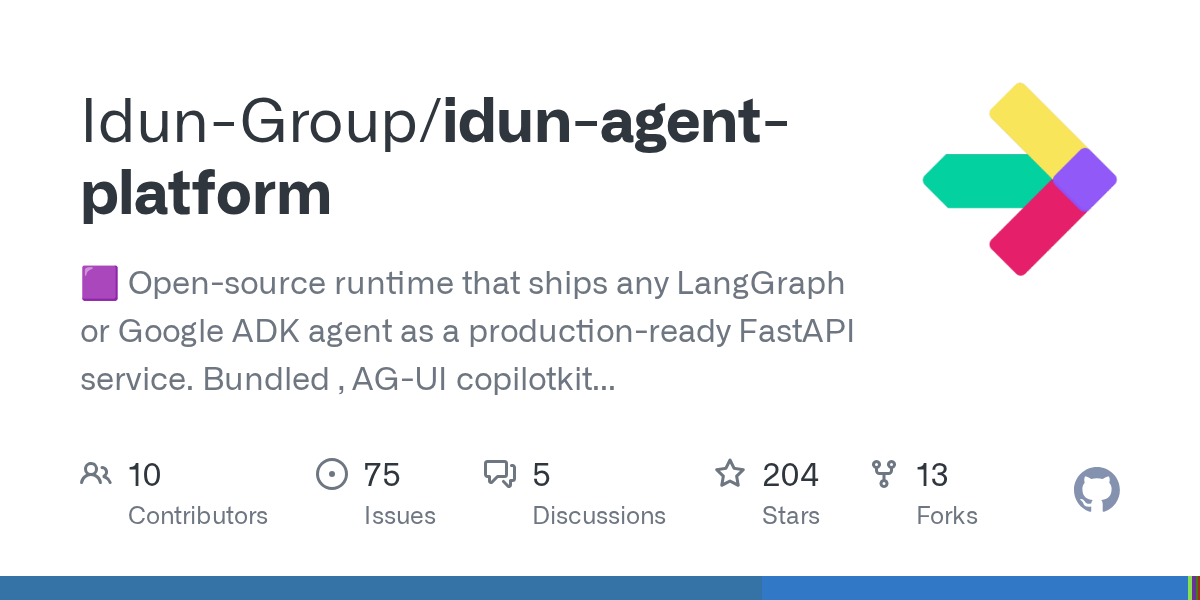
ส่วนประกอบ
self-hosted · langgraph · google-adk · fastapi · ai-agents
Idun Agent Platform คืออะไร
Idun Agent Platform เป็น production wrapper แบบ open-source สำหรับ LangGraph และ Google ADK agents ที่ช่วยให้คุณเปลี่ยน AI agent ให้กลายเป็น production-ready service ได้ทันทีด้วยคำสั่ง pip install เพียงครั้งเดียว
แทนที่จะต้องสร้างระบบ FastAPI, traces, guardrails, admin UI เอง หรือต้องยอมสละอธิปไตยด้วยการใช้ SaaS platform – Idun ให้ทางเลือกที่สาม: self-hosted solution ที่มาพร้อมทุกอย่างที่ต้องการในตัว
ทำไมต้องใช้ Idun
- ครบเครื่องในตัว: Chat UI, admin panel, OpenTelemetry traces, 15+ guardrails, MCP tool governance, prompt management
- Self-hosted: รันบนโครงสร้างของคุณเอง ไม่มี vendor lock-in
- เริ่มใช้ง่าย: ติดตั้งผ่าน pip แล้วใช้งานได้ทันที
- รองรับ framework ยอดนิยม: LangGraph และ Google ADK
- API มาตรฐาน: FastAPI service พร้อม CopilotKit API integration
เริ่มต้นใช้งาน
ความต้องการของระบบ
- Python: เวอร์ชัน 3.12 หรือ 3.13
- RAM: แนะนำอย่างน้อย 2GB สำหรับการรันพื้นฐาน
- Disk Space: อย่างน้อย 1GB สำหรับ dependencies และ logs
- API Keys: Google Gemini API key (หรือ LLM provider อื่นที่รองรับ)
ขั้นตอนการติดตั้ง
1. สร้างโปรเจคและติดตั้ง dependencies
mkdir my-agent && cd my-agent
pip install idun-agent-engine langgraph langchain-google-genai
คำสั่งนี้จะติดตั้ง Idun Agent Engine พร้อมกับ LangGraph และ LangChain integration สำหรับ Google Gemini
2. สร้างไฟล์ agent (agent.py)
from typing import Annotated, TypedDict
from idun_agent_engine.mcp import get_langchain_tools_sync
from langchain_google_genai import ChatGoogleGenerativeAI
from langgraph.graph import StateGraph, START
from langgraph.graph.message import add_messages
from langgraph.prebuilt import ToolNode, tools_condition
class State(TypedDict):
messages: Annotated[list, add_messages]
tools = get_langchain_tools_sync()
llm = ChatGoogleGenerativeAI(model="gemini-2.0-flash").bind_tools(tools)
def chatbot(state: State):
return {"messages": [llm.invoke(state["messages"])]}
graph = StateGraph(State)
graph.add_node("chatbot", chatbot)
graph.add_node("tools", ToolNode(tools))
graph.add_edge(START, "chatbot")
graph.add_conditional_edges("chatbot", tools_condition)
graph.add_edge("tools", "chatbot")
my_agent = graph.compile()
โค้ดนี้สร้าง LangGraph agent โดย:
- กำหนด State สำหรับเก็บประวัติข้อความ
- โหลด tools จาก MCP (Model Context Protocol)
- ตั้งค่า LLM เป็น Google Gemini พร้อม tool binding
- สร้าง graph workflow ที่เชื่อมโยง chatbot node กับ tools node
3. รัน agent เป็น FastAPI service
idun-agent-engine start agent:my_agent
คำสั่งนี้จะเริ่ม production service ที่รวม Chat UI, Admin Panel, และระบบ observability ทั้งหมด เข้าถึงได้ผ่าน browser ทันที (โดยปกติที่ http://localhost:8000)
คุณสมบัติหลัก
Guardrails (ระบบป้องกันความเสี่ยง)
Guardrails คือชั้นความปลอดภัยที่ตรวจสอบและกรอง input/output ของ AI agent เพื่อป้องกันพฤติกรรมที่ไม่พึงประสงค์ Idun มาพร้อม 15+ guardrails รวมถึง:
- Prompt Injection Protection: ป้องกันการแทรกคำสั่งที่พยายามหลอก AI
- PII Leakage Prevention: ป้องกันการรั่วไหลของข้อมูลส่วนบุคคล
- Toxic Content Filtering: กรองเนื้อหาที่ไม่เหมาะสม
- Output Validation: ตรวจสอบความถูกต้องของคำตอบ
คุณสมบัติอื่นๆ
- MCP Integration: จัดการและควบคุม Model Context Protocol tools แบบ centralized
- OpenTelemetry: observability และ tracing แบบมาตรฐานอุตสาหกรรม สำหรับ monitoring ประสิทธิภาพ
- OIDC Authentication: รองรับระบบยืนยันตัวตนมาตรฐาน OpenID Connect
- Memory Persistence: จดจำ conversation context ข้ามเซสชัน
- Admin UI: จัดการ prompts, guardrails และตั้งค่าต่างๆ ผ่านหน้าเว็บ
เปรียบเทียบกับทางเลือกอื่น
| คุณสมบัติ | Idun | SaaS Platforms | Custom Build |
|---|---|---|---|
| Self-hosted | ✅ | ❌ | ✅ |
| ติดตั้งง่าย | ✅ (pip install) | ✅ | ❌ |
| Guardrails ในตัว | ✅ (15+) | ✅ | ❌ (ต้องสร้างเอง) |
| Admin UI | ✅ | ✅ | ❌ (ต้องสร้างเอง) |
| ค่าใช้จ่าย | ฟรี (open-source) | มีค่าใช้จ่าย | เวลาในการพัฒนา |
| ควบคุมข้อมูล | ✅ เต็มที่ | ❌ จำกัด | ✅ เต็มที่ |
ข้อมูลเพิ่มเติม
- GitHub Repository: idun-ai/idun-agent-engine
- Documentation: docs.idun.ai
- ตัวอย่างเพิ่มเติม: GitHub Examples
เหมาะสำหรับทีมที่ต้องการ deploy AI agents แบบ production-grade บนโครงสร้างของตัวเอง โดยไม่ต้องสร้างระบบเหล่านี้เองตั้งแต่ต้น และต้องการความยืดหยุ่นในการควบคุมข้อมูลและโครงสร้างพื้นฐานอย่างเต็มที่